
Access Remitly
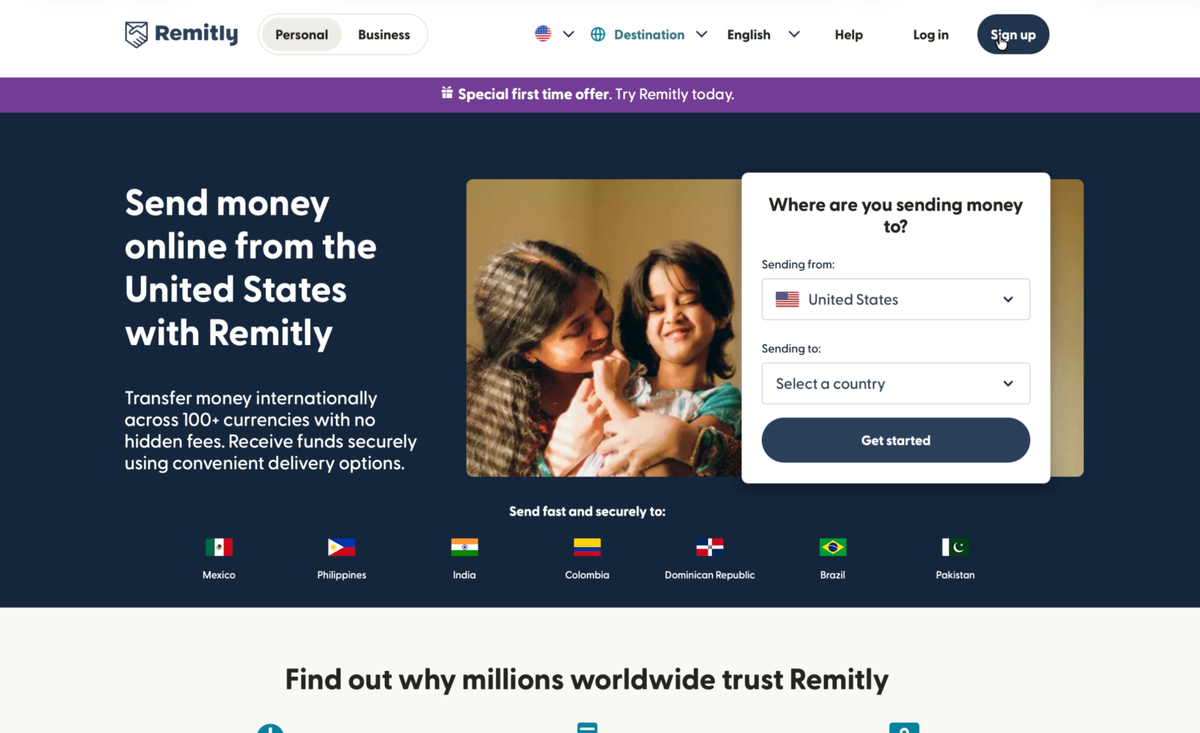
Open Remitly in any browser, or install the app on your phone.
- Visit remitly.com in your web browser
- Or download the Remitly app from App Store or Google Play

A simple guide to complete your payment using Remitly to eSewa. Fast, secure, and hassle-free.
Start here · Which app is yours
Both arrive in the same eSewa wallet and both take a few minutes. The only question is whether you use PayPal.
If you have PayPal
Xoom is PayPal's own money-transfer service. You sign in with your PayPal account, you pay with PayPal, and the money reaches our eSewa wallet in minutes. There is no new account to open.
Sends from the United States, Canada, the United Kingdom, most of the European Economic Area, and Australia.
Open Xoom for NepalWorks from every country listed on this page
This is the route the rest of this guide walks you through, screen by screen, with pictures. Use it if you do not have PayPal, or if Xoom does not reach your country.
Japan, Singapore, the UAE, Israel and New Zealand are Remitly only.
Start the Remitly guideChapter 01 · Watch first
Prefer watching over reading? Press play for the 60-second walkthrough, or scroll on for the full story.
Chapter 02 · Six short steps
Six short moves from opening Remitly to sharing your confirmation. Follow them in order and your payment lands in our eSewa in minutes.
Open Remitly in any browser, or install the app on your phone.
Sign up with your email and complete identity verification, three quick screens.
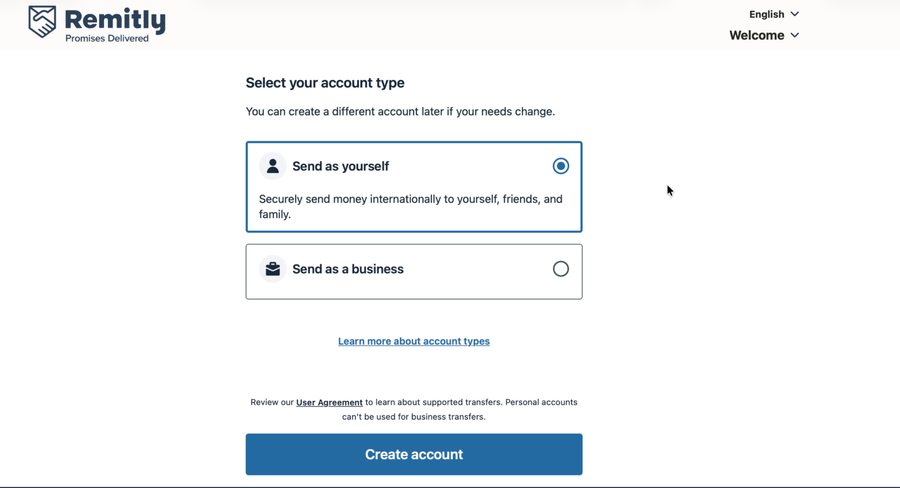
Select Nepal as destination, choose account type, enter amount, and select eSewa.
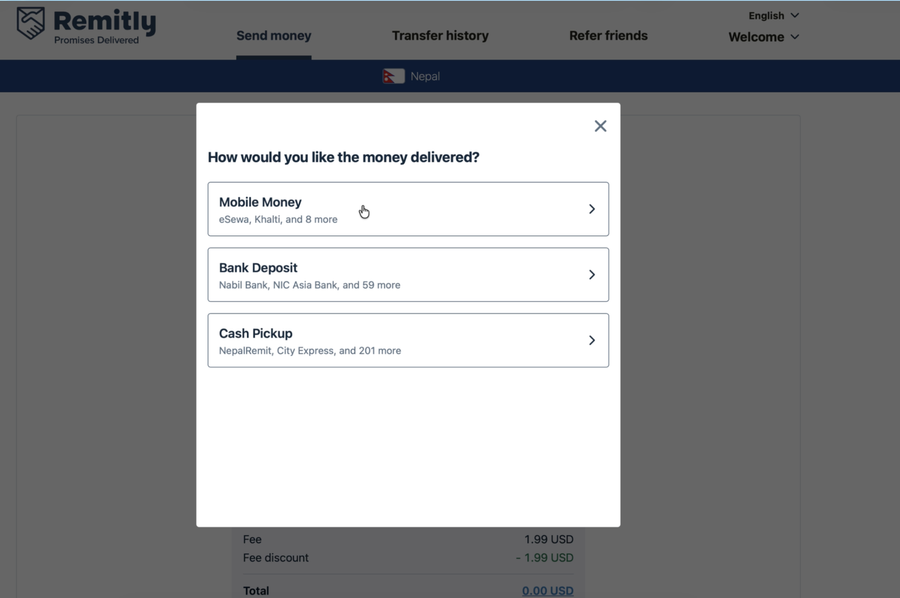
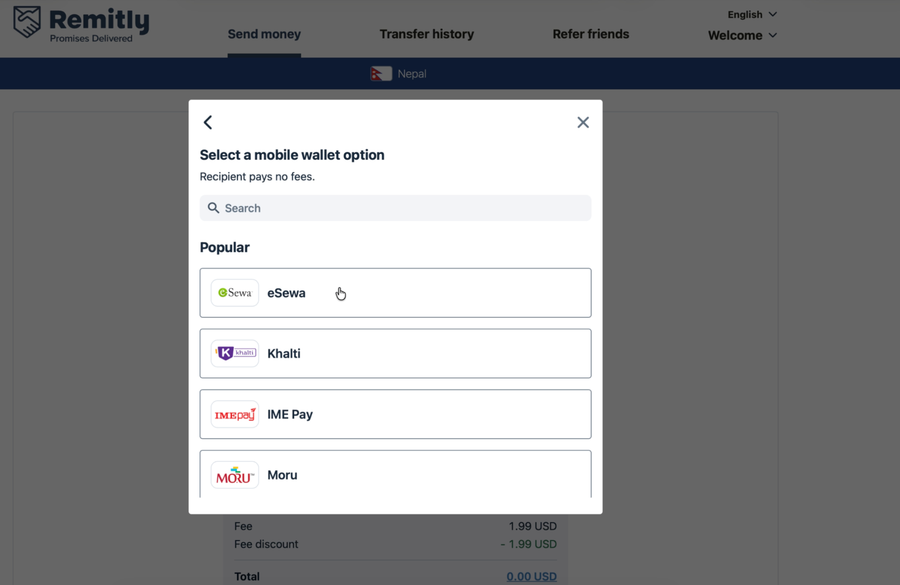
Bank transfer costs least. Debit card works for urgent sends. Avoid credit cards: they silently add up to 8% in hidden fees.
Enter our eSewa phone number and account name exactly as shown.
Review your transfer, pay, and share the confirmation with us.
Chapter 03 · Check your country
Sending from somewhere specific? Confirm Remitly covers your region before you start.


Chapter 04 · Quick answers
The questions we get the most. Skim the headlines, tap to expand.
Scan this QR code with your UPI app (Google Pay, PhonePe, Paytm) or Alipay+ to pay directly.

Use these bank details if Mobile Money is not available in your country.